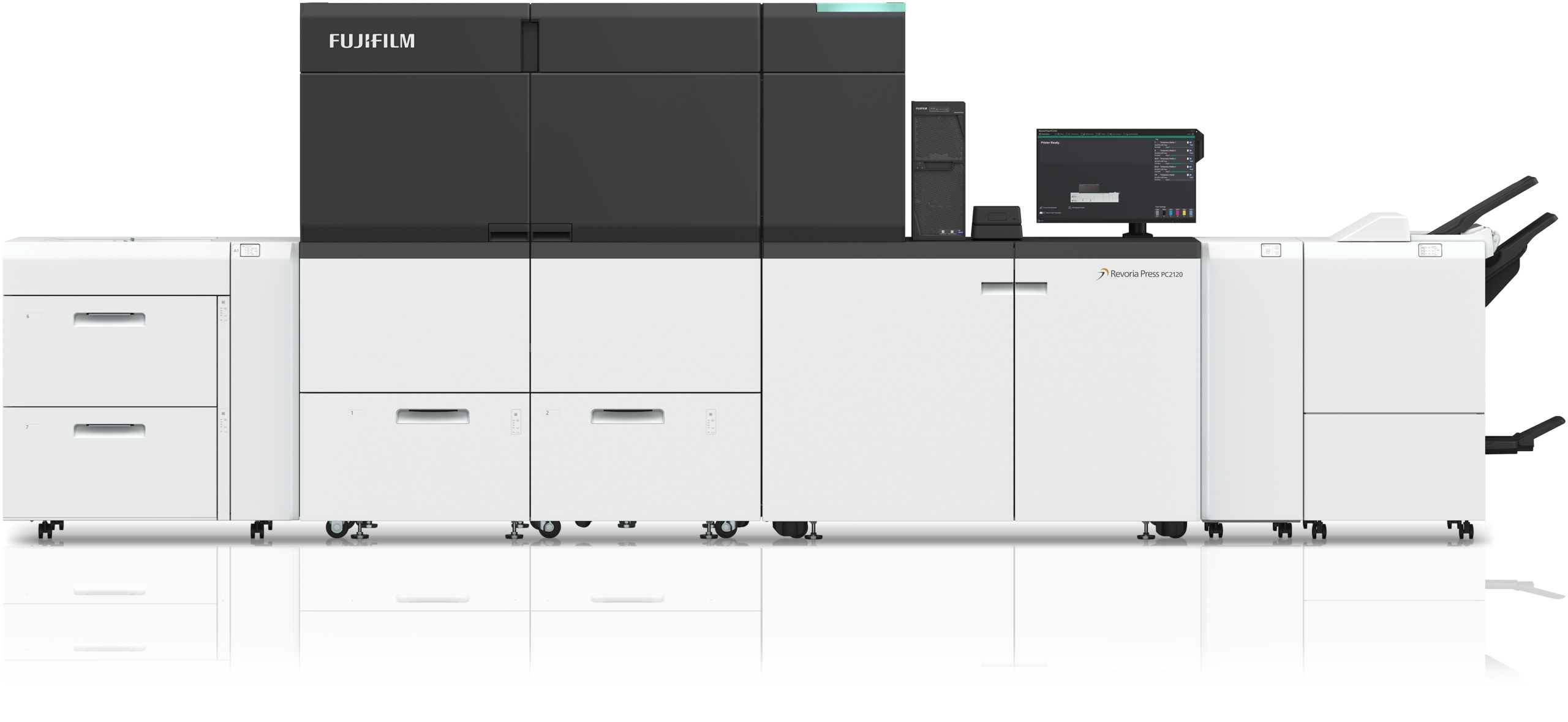
Revoria Press PC2120
A new benchmark for on demand printing

Think in RGB with the Revoria PC2120
Colours unprintable. Now printable.
The Revoria Press PC2120 prints colour as close as possible to the way you see it on screen. That’s because a new combination of toners, including a specially developed Green toner, reproduces 93% of the world’s most used brand colours. All at the touch of a button.
Up to
120
pages/min
Reproduce
93%
Pantone spot colours
Choose from
11
toner colours
Why the Revoria Press PC2120?

Deliver creative print that gets as close as possible to the original RGB wide gamut design intent, with SUPER COLOUR printing enhanced by the addition of a new Green toner.

Press set-up is much quicker, thanks to a new Substrate Profiler that uses AI-powered learning models to simplify and automate the entire process.

A range of technologies, including a new Smart Monitoring Gate, monitor on-press quality and adjust in real time for the maximum quality, stability and reliability.

The colours you thought were unprintable. Now printable. Think in RGB with the Revoria PC2120.
This changes everything.
A new benchmark for on demand printing
Combining exceptional colour capability, versatile embellishment options, and advanced productivity powered by AI, the new Revoria PC2120 takes the hard work out of production print and delivers colour without compromise.
Colours Unprintable. Now Printable.
There’s a moment every designer dreads. The job comes back from print and the colour isn’t quite what the screen promised.
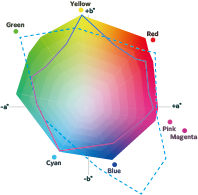
It never is. CMYK printing, for all its strengths, has never been able to keep that particular promise. Not until now. Adding a new Green toner to the existing Pink transforms what SUPER COLOUR printing can achieve. Now you can reproduce colour as close as possible to the way a designer sees it – bright, vivid – in fact you can now reproduce 93% of Pantone spot colours* and the possibilities speak for themselves.
Making RGB simple
Converting RGB design files for print has always been a technical headache for designers. Choosing the right colour profiles, managing separations, checking the results, it’s the moment creativity stops and admin begins.
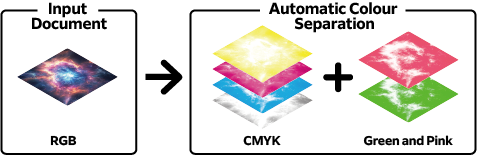
Revoria Flow eliminates all of that. It automatically separates RGB data into CMYK with Green and Pink in a single click. The result: the designer just needs to supply the file in RGB. The software handles the rest. Simple.
Speciality Colour Web Viewer for RGB
The Speciality Colour Web Viewer (SCWV) software is web-based and allows print service providers to help their customers visualise the difference between advanced SUPER COLOUR printing with CMYK+Green+Pink, and 4-colour CMYK equivalents.
This easy-to-use tool helps you showcase what can be achieved with SUPER COLOUR printing with Green and Pink toners, helping you to promote your higher value, wider gamut print capability, and differentiate your services in a competitive print market.
*Based on Pantone’s verification, this percentage refers to colours from the Pantone Formula Guide Solid Coated where the ΔE00 colour difference compared to the output colour falls within the range of 3 or less.
Embellishments that make all the difference.
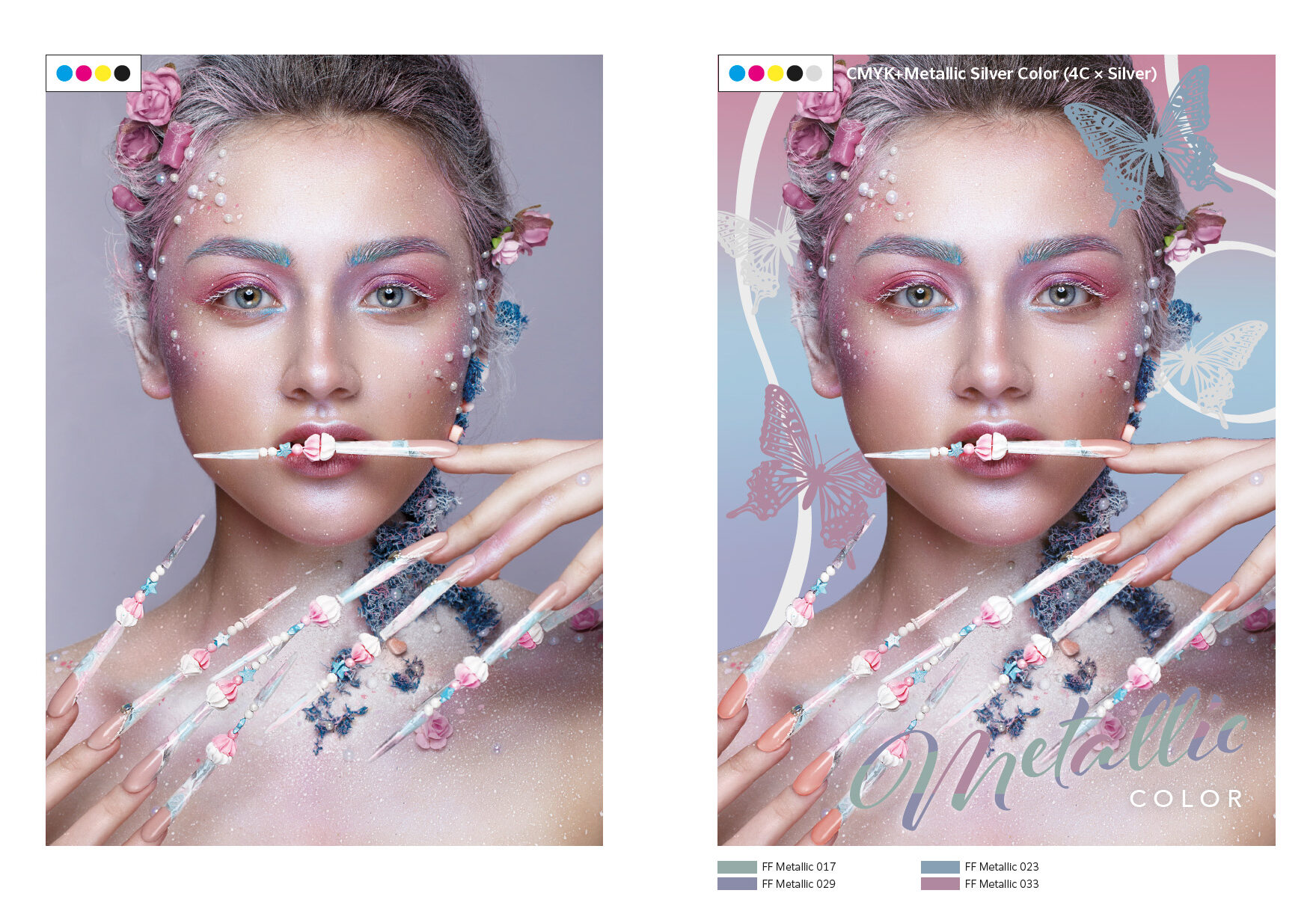
Fujifilm FLX metallic toner technology
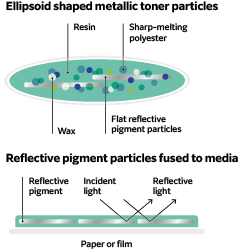
The high density Silver and Gold metallic toners used in the Revoria PC2120 have reflective pigment particles that are fused to the substrate and lay parallel to the surface, resulting in their ability, due to FLX technology, to reflect light ensuring the underlying media does not show through, and giving a metallic appearance.
Unlike traditional foiling, spot Silver and Gold toners can be combined with fine detail and small text, including variable data. They are ideal for adding elegance and a luxury touch to many applications, such as decorative elements on certificates, greeting cards, business cards, and packaging.
Add silver and gold to the mix
Silver and Gold toners are not limited to metallic embellishments alone. Combining Silver and Gold toners with CMYK also extends the range of colours that can be printed, making it possible to create a large number of metallic shades, offering unprecedented scope for creativity and new high profitable services to offer to your customers.
It is also possible to reproduce Pantone metallic colours. By using Silver or Gold toner layers underneath CMYK, it is possible to achieve a closer match to metallic colour samples. Fujifilm also offers metallic swatch libraries which can be loaded into Adobe Illustrator, InDesign and Photoshop, and it is also possible to create your own metallic colours.

Highlights are a clear winner
Pick out names and headlines with clear, perfectly registered Clear toner to add an extra dimension to personalised print. Creative use of a clear layer adds a touch of luxury when adding subtle patterns and backgrounds too.
Be brilliant with high opacity white
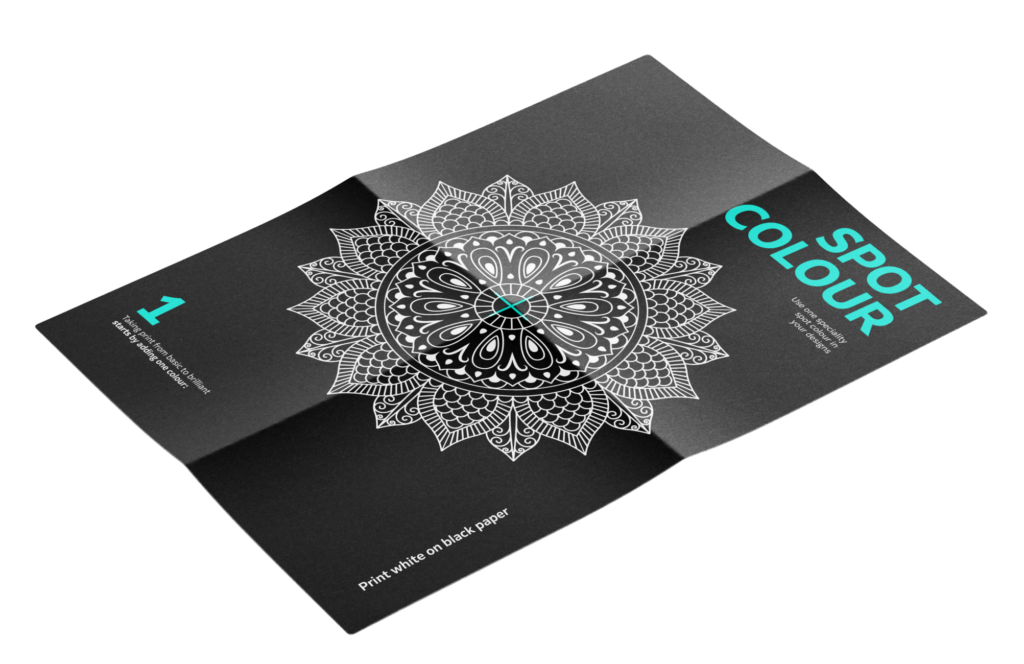
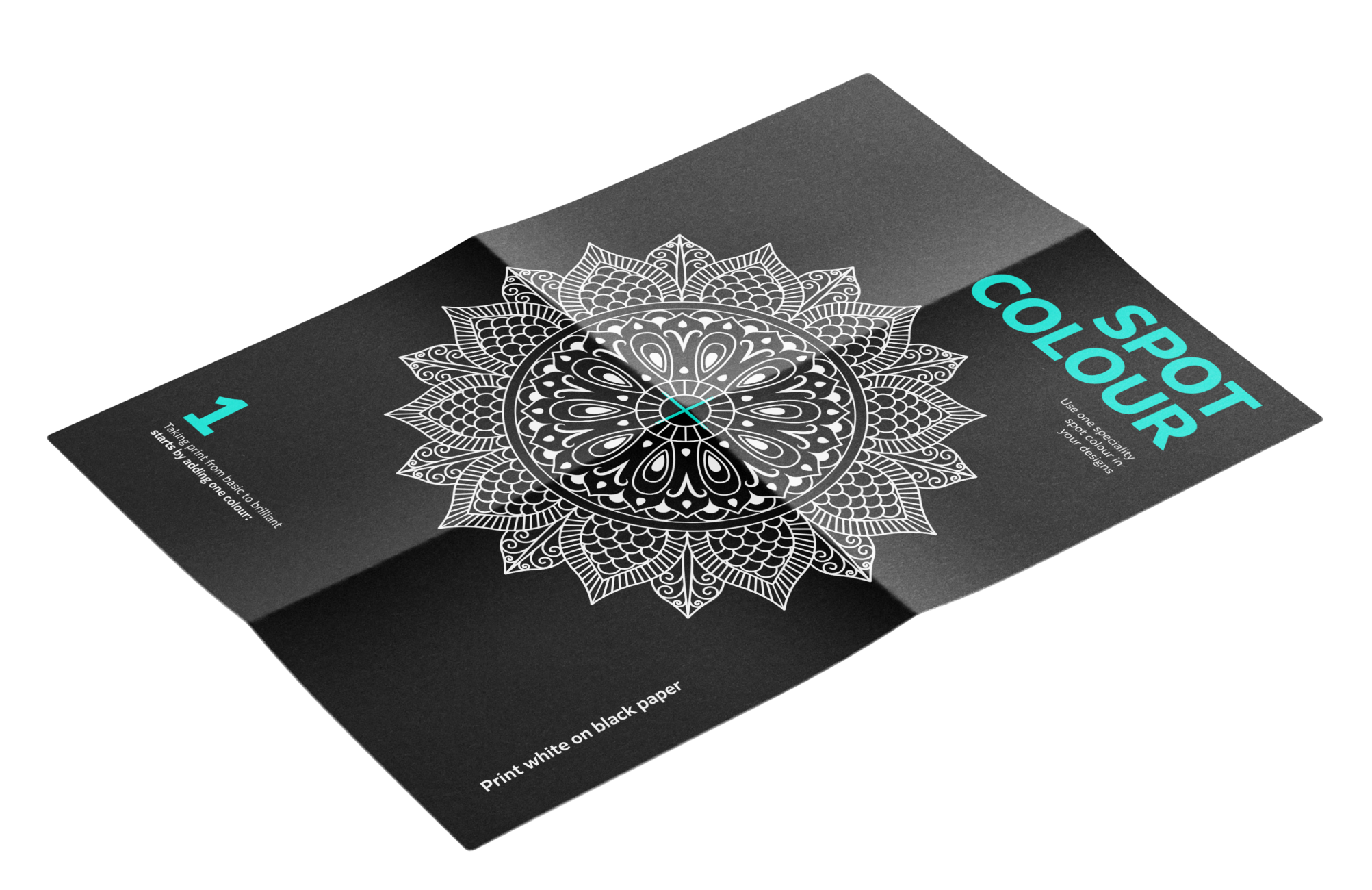
The ability to print high opacity white is essential for window clings, labels and stickers on transparent media and opens up a world of possibilities on darker paper and board. But the use of White toner also allows unique and stylish patterns and designs to be created, making print applications stand out, and creating a superb, high quality luxury feel to printed items.
It is even possible to print two layers of white in a single pass to achieve a high opacity white on the most difficult dark substrates.
A new benchmark in AI-powered productivity
The Revoria Press PC2120 sets a new benchmark in productivity by improving a number of the steps that affect overall print productivity. The amount of work that a press can print, and the speed of job turnaround, are governed by more than just the top-line press speed.
Job productivity can be defined as the combined effect of the following:
1. Pre-press preparation
A number of new advanced AI-powered technologies have been introduced in the Revoria PC2120 and Revoria Flow DFE to minimise job setup time and enhance print quality, all with the minimum operator intervention.
New AI-enhanced Substrate Profiler
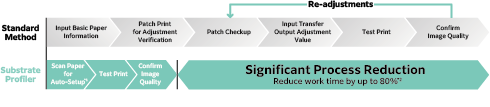
The Revoria PC2120 incorporates an advanced Substrate Profiler that revolutionises paper setup in production printing. Developed with proprietary Fujifilm technology, the Substrate Profiler is designed to eliminate trial and error and reduce job preparation time, dramatically cutting a typical paper setup time from 22 minutes to just 4 minutes without requiring special operator skills.
Revoria Flow AI learning models
Revoria Flow incorporates new AI-based learning models that mean a wide variety of functions can efficiently be set with a single click, including turning off various settings where not needed, optimising and simplifying press setup and operation.
2. Optimising quality and maximising press up-time
The real difference with the Revoria Press PC2120 are the new technologies that have been introduced to maintain superb print quality throughout even a longer print run, while also maximising press up-time and simplifying operation. Even for more challenging substrates and applications, the press will perform at the same top-line speed for much longer, without stopping the press for paper feed or quality issues.
Real time print correction
The Smart Monitoring Gate D1 monitors changes in colour density and the front-to-back registration during printing. By scanning print jobs as they are being printed, the system detects and automatically corrects colour variations and registration misalignments in real time, resulting in stable and consistent print quality even for larger print runs. Print optimisation is done without reducing productivity, achieving both high quality and high productivity.
Print inspection system
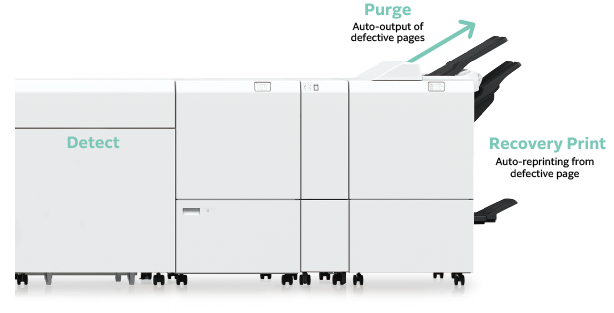
Printed jobs can be automatically inspected inline, reducing the dependency on operator skill levels and the time needed for visual inspections. The optional image inspection system* compares the printed jobs with RIP images to detect print defects such as dots and folds. The text inspection verifies text and barcodes against reference files. This enables the inspection of variable data to be completed during print production.
*Availability to be announced in the future
Remote Image Quality Diagnosis
The Revoria Press PC2120 incorporates many technologies that maximise reliability and printing. uptime. However, should a quality issue occur, a Remote Image Quality Diagnostics service is available that assists in the process of fault finding.
Curl correction
A compact, built-in decurler automatically detects and corrects the paper curl caused by the type of paper or the image density of the print job one page at a time, in real time. This ensures high quality output can be achieved with stable paper travel and curl suppression.
Air Suction Feeder
An optional Air Suction Feeder improves the feed performance of paper with a lot of paper dust, pre-printed paper using powder, paper with an uneven texture and coated paper, resulting in a stable, high speed feed for various paper types, from lightweight to heavyweight, and small-sized to banner sheets.
3. Press print speed
The Revoria Press PC2120 achieves high productivity printing of 120 ppm (A4 landscape) and 63ppm (SRA3) across a wide range of paper types, including paper weights from 52 to 400 gsm, coated and uncoated papers, as well as when using speciality toners. In addition, there is no waiting time even for mixed jobs combining coated and uncoated papers.
4. Finishing productivity
A combination of various feeding and finishing units are available with the Revoria PC2120 to ensure a wide variety of print jobs can be loaded and finished quickly and simply for the fastest on-demand production.
Revoria Color Management
Precision, efficiency, and intelligence in every print. The advantage of automated colour excellence
In the high-pressure landscape of high-volume digital print production, the friction between rapid turnaround times and non-negotiable colour consistency often creates a costly operational bottleneck.
Revoria Color Management serves as a solution to control colour across the print lifecycle, to bridge the gap between complex colour science and operational profitability.
By removing technical complexity, the platform de-skills colour management, helping to simply the process and ultimately reduce costs. When the technical barriers to colour excellence are removed, a printer’s ability to protect a customer’s brand identity becomes a simple automated process, rather than a complex, labour-intensive manual struggle.
• Accelerated throughput: dramatically reduces the time required for quality control, ensuring that colour validation keeps pace with the highest press speeds.
• Reliable consistency: provides a standardised framework for excellence,ensuring that output remains stable across diverse shifts and varying substrates.
• Optimal asset utilisation: simplifies professional colour management to the point that it becomes a background process, maximising the uptime of every digital press.
Discover more…
Learn more about the Revoria Press PC2120 by downloading our product brochure.
Download the brochureThank you for your enquiry, someone will be in contact soon.
Superb, consistent, benchmark quality
The Revoria Press PC2120 utilises VCSEL* technology that achieves both high speed printing and a high output resolution of 2400 x 2400 dpi.
In addition, Fujifilm’s advanced Super EA-Eco toners use particle sizes that have been reduced to among the smallest in the industry, with the toner particle shape standardised to enable the super-sharp rendering of detailed characters and fine lines. In addition, gradations, halftones and midtones are reproduced more smoothly and dot shapes more faithfully, delivering exceptional print quality on a par with offset printing.
Automatic pre-printing adjustments
Inline sensors automatically adjust alignment correction, and transfer output and density values to maintain high print quality.
Real time print correction
The Smart Monitoring Gate D1 monitors changes in colour density and the front-to-back registration during printing. By scanning print as it is being printed, the system detects and automatically corrects colour variations and registration misalignments in real time, resulting in stable and consistent print quality even for larger print runs. Print optimisation is done without reducing productivity, achieving both high quality and high productivity.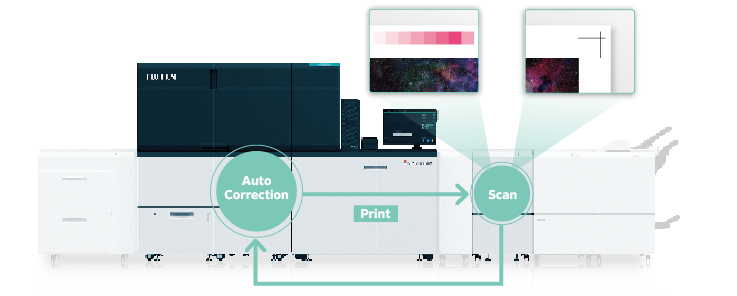
In addition, a number of software features in Revoria Flow allow print quality to be optimised automatically: AI-based quality optimisation
New AI technologies within Revoria Flow analyse data within a print job and recommend optimal quality settings. The settings are determined based on Revoria Flow’s unique document analysis and new AI learning models, and are based on the toner configuration installed in the press.
For example, AI automatically determines the scene for each photographic image on the page and applies scene-specific corrections utilising SVIE (scene-specific and visually optimised natural image enhancement technology). Images that are too dark, too bright, backlit, or with poor skin tones can be automatically corrected and printed beautifully. No technical or specific software knowledge is required, again making it possible to achieve the best quality with the minimum of operator skills.
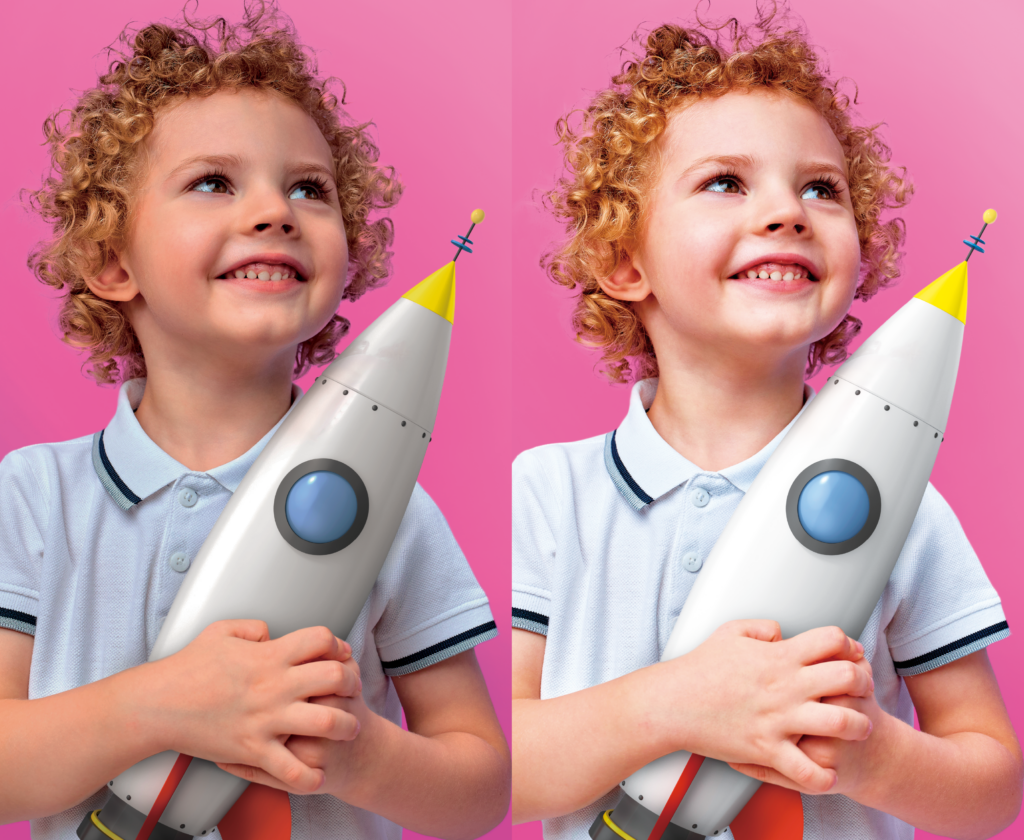
Enhance image brightness with Pink toner
The use of Pink toner brightens the entire image and produces smoother, more realistic skin tones. By simply selecting the level of pink, Revoria Flow automatically balances magenta and pink colours to extend the colour gamut to print more vividly, without any image editing.
*Vertical Cavity Surface Emitting Laser.
See for yourself..
See what the Revoria PC2120 can do for your business
Request a demo
Thank you for your enquiry, someone will be in contact soon.
Applications
Discover unlimited creative possibilities
A range of advanced technologies in the Revoria Press PC2120 improve paper handling capabilities, extending the variety of applications that can be printed. Enhance your productivity, create more value, deliver business growth.
High quality printing on highly textured paper
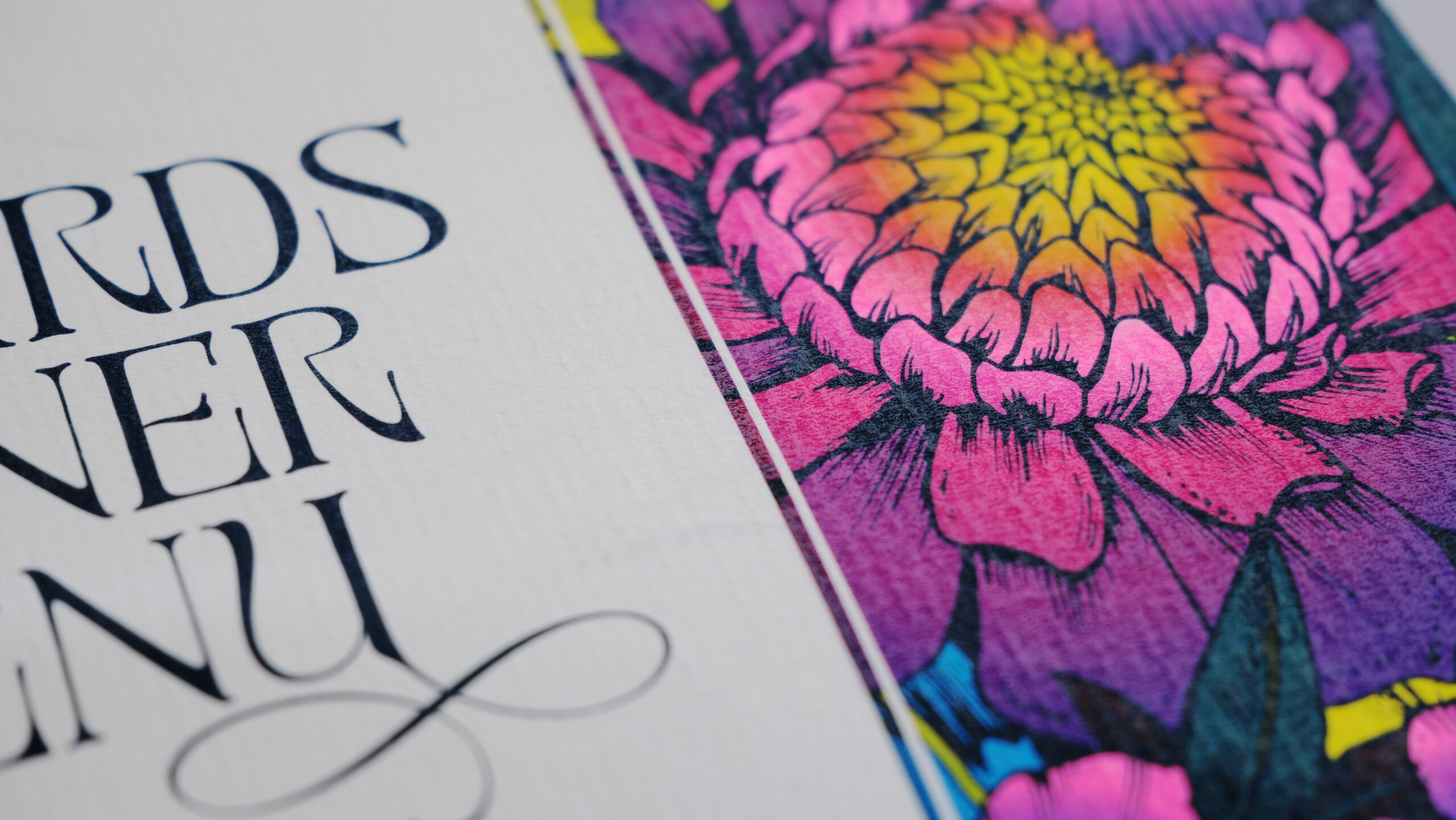
A Textured Paper toner improves the transfer of the colour toner onto the concave areas of particularly challenging textured paper, improving print quality, and expanding the types of paper and applications that can be printed.
Static Eliminator
An optional Static Eliminator D1 provides a remarkable static elimination effect on a wide range of media. This suppresses paper sticking and significantly improves the efficiency of downstream processes.
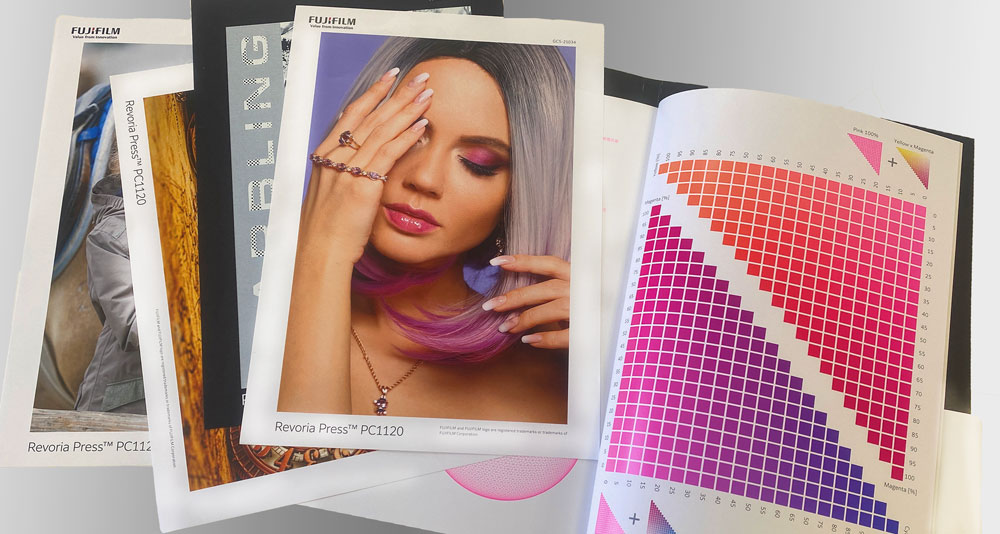
Photo book custom imposition tool
With simple, intuitive operation, anyone can easily create or edit photo albums using Revoria Flow. Photo images such as JPG, PDF, etc. can be imported directly and page layouts easily created. The work is completed on the Revoria Flow server, meaning there is no need for dedicated DTP software, and it is ideal for new business trials. It is also possible to create and save custom imposition templates, useful for repeated use of the same placement pattern.
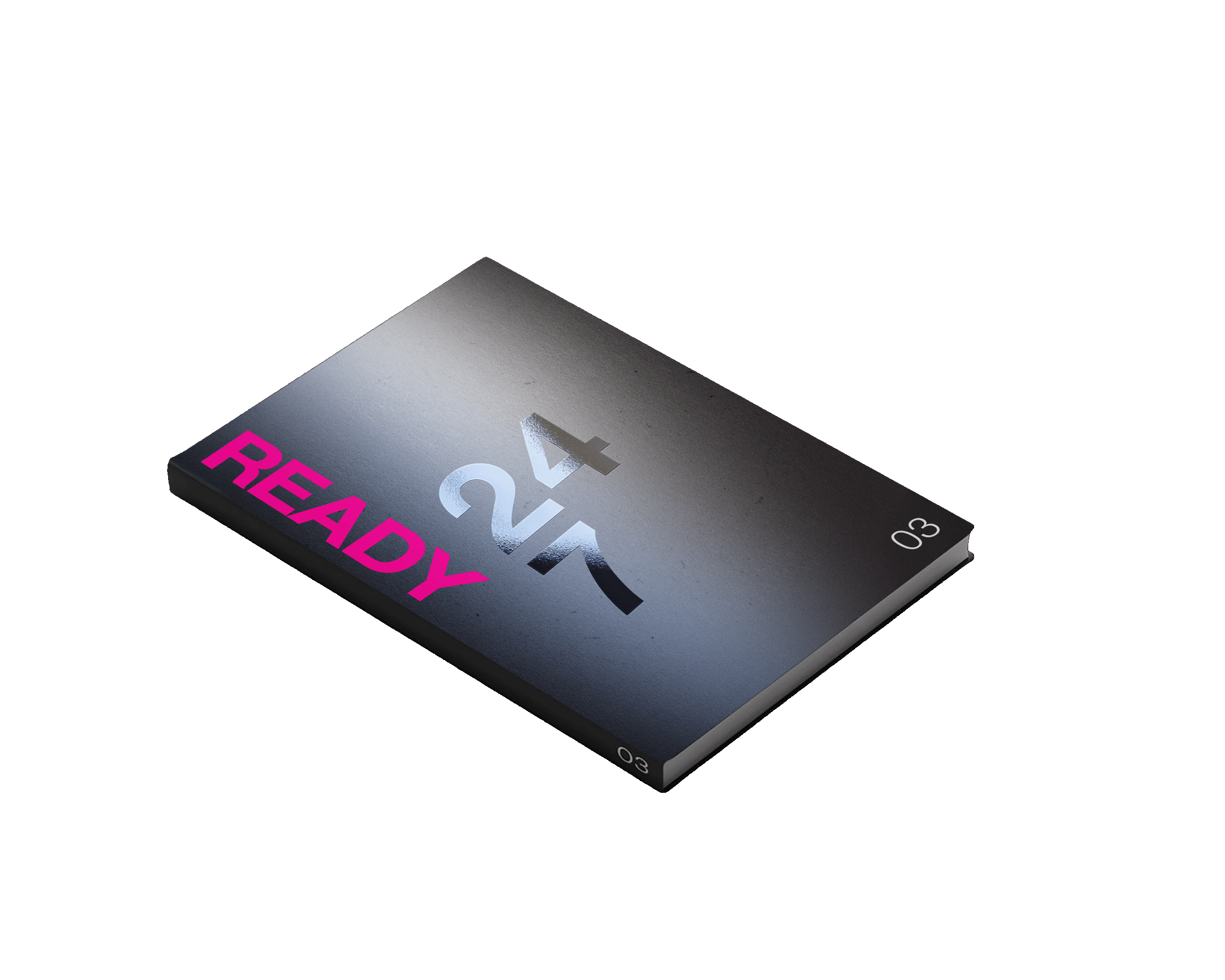
Easy-to-use photo book features:
• Place images in any position by dragging and dropping
• Image resizing, rotation, and transparency
• Mixed placement of images of different sizes
• Setting booklet finishing (saddle staple/single folding)
• Multiple placement of the same image
• Placement on banner page
• Fine-tuning the position of the image by numerical input
A wide range of paper sizes:
• From 90 mm wide envelopes to 330×1300 mm wide posters and vertical calendars, you can expand the number of applications you can print
• Automatic duplex printing is possible up to 330 x 729mm